Current cell phones have fewer and fewer physical buttons. Unlike models sold around 20 years ago, modern devices concentrate almost all controls on the screen, leaving only the volume controls and the on and off button on the sides.
The cell phone's power button hides useful functions; meet five
Current cell phones have fewer and fewer physical buttons. Unlike models sold around 20 years ago, modern devices concentrate almost all controls on the screen, leaving only the volume controls and the on and off button...
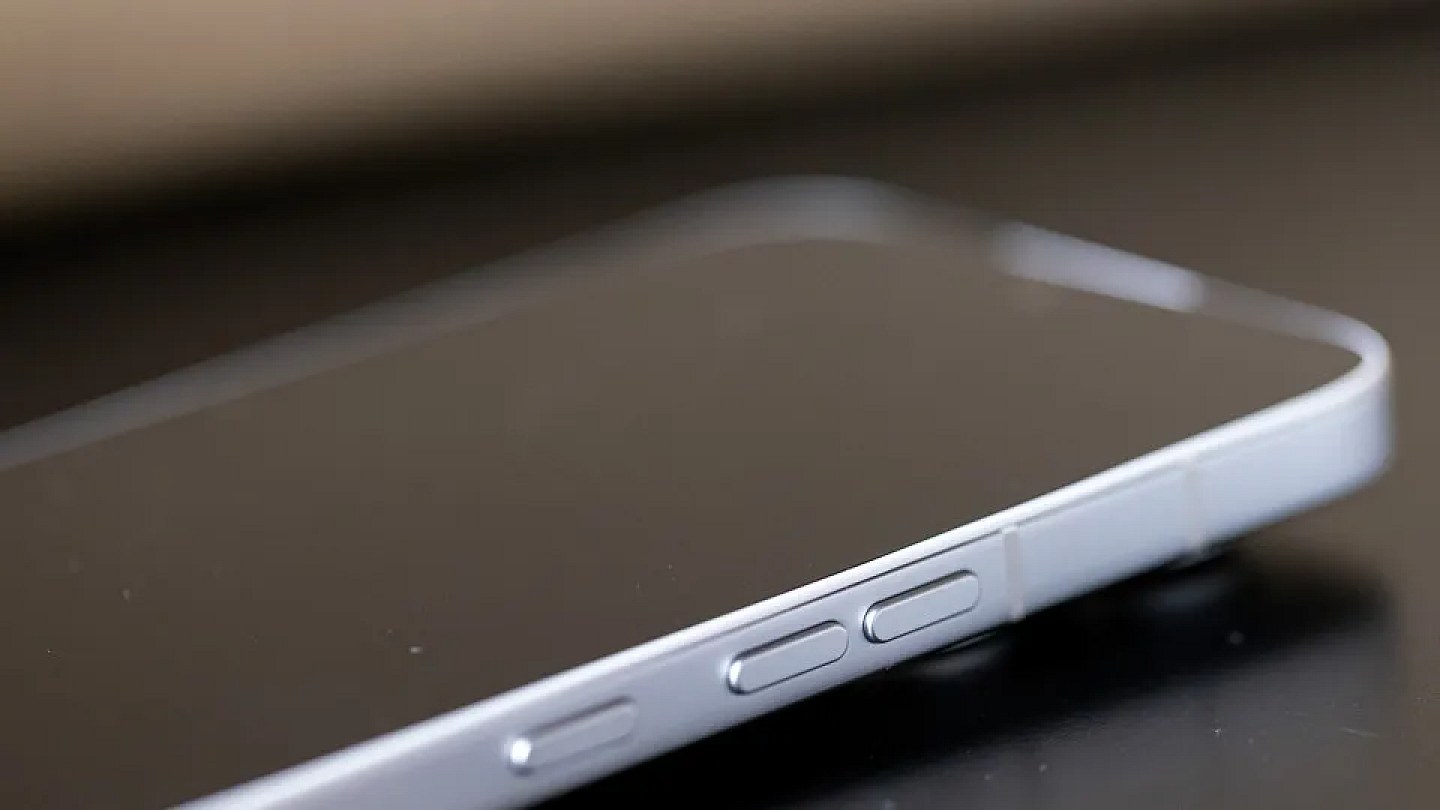
Despite its simple appearance, the Power button can perform many more functions than just activating or locking the cell phone. On many Android devices, it can also be configured to open shortcuts and facilitate access to resources used in everyday life.
The options vary depending on the brand, model and operating system version, but are present on cell phones from manufacturers such as Samsung, Google and Motorola.
See five functions that can be activated by the Power button:
Activate the digital assistant
By holding down the button, some cell phones allow you to open virtual assistants, such as Gemini. The feature can be used to search, set reminders, send messages and perform other voice commands.
Open the camera
On many devices, pressing the button twice quickly opens the camera, even when the screen is locked. The shortcut helps you take photos without having to unlock your cell phone and search for the app.
End calls
The button can also be configured to end calls. The function is useful for those who prefer to end calls using a physical command instead of touching the screen.
Activate emergency SOS
Some cell phones allow you to activate the emergency feature by pressing the side button several times in a row. Depending on the configuration, the device can call emergency services, share location and notify registered contacts.
Access accessibility features
The Power button can also serve as a shortcut to accessibility tools, such as screen magnification, reading aloud and adjustments intended for people with visual or motor disabilities.
To check which options are available, you need to access the device settings and look for menus such as “Side button”, “Gestures”, “Shortcuts” or “Accessibility”. Names may change depending on the manufacturer.
How to clean the USB port on your cell phone or notebook without causing damage
Dust and lint can compromise the USB port's functionality, but careful cleaning can solve the problem. Experts indicate which materials to use and warn about errors that could damage the device
Source: Noticias ao Minuto
Next recommended read
This story was originally published by Noticias ao Minuto. Visit the original publication for further details.
Open original publication