If you have ever experienced irritation or particular fatigue in your eyes, it is likely that putting your cell phone aside for a few minutes will help alleviate your symptoms. On the other hand, there are some things you can do to help save your eyes.
5 simple tricks to save your eyes from your cell phone screen
If you have ever experienced irritation or particular fatigue in your eyes, it is likely that putting your cell phone aside for a few minutes will help alleviate your symptoms. On the other hand, there are some things...
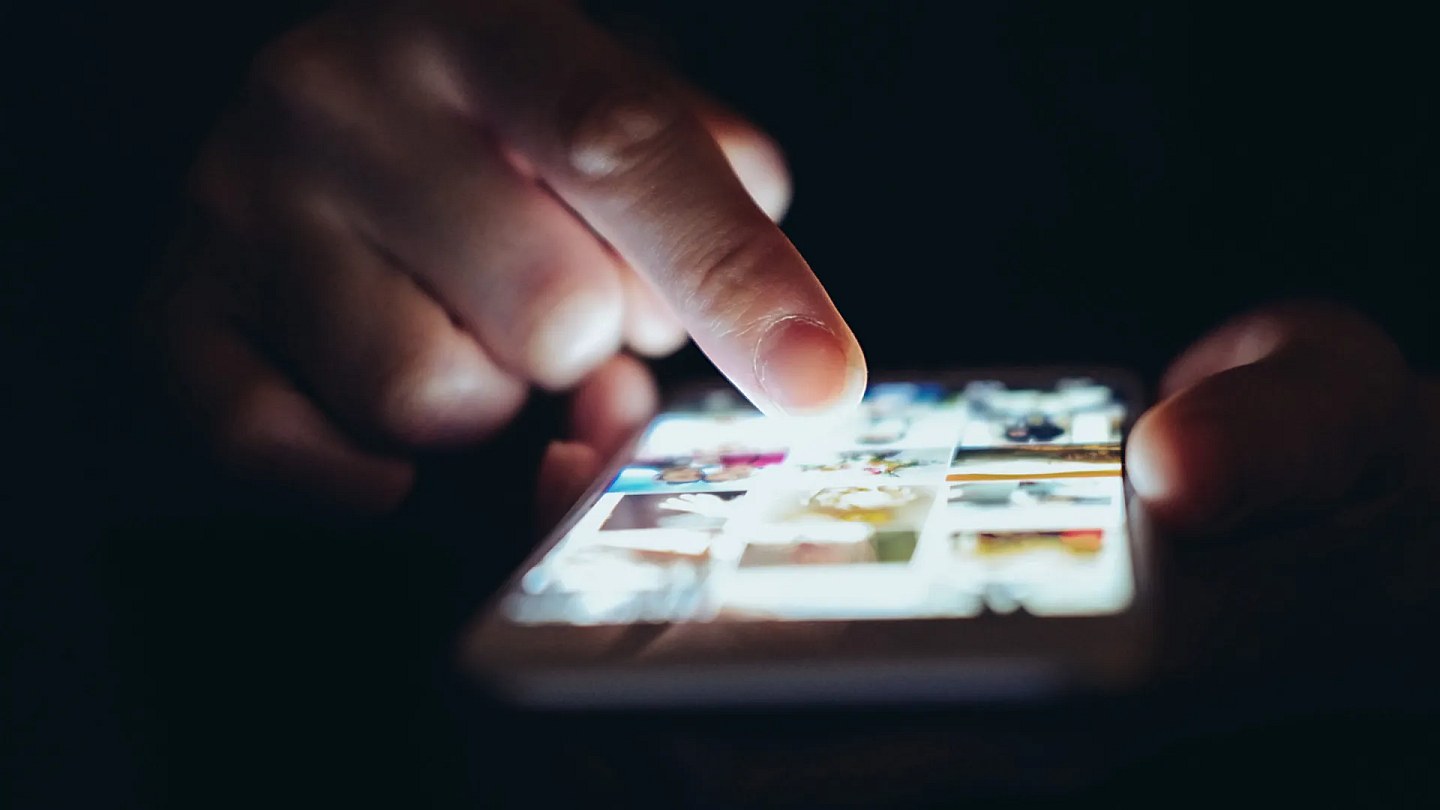

It turns out that the blue light emitted by cell phone screens can contribute to inflicting permanent damage on your eyes, especially during longer sessions. We all know this, but what you may not know is that there are settings on your cell phone that help you avoid these harms.
Although there is a feature exclusive to the iPhone that will help you save your eyes, the vast majority of options are present on both iOS cell phones and devices with the Android operating system. The BGR website made a list of 5 features that you should use to avoid reaching the end of the day with tired eyes from looking at your cell phone screen.
See these 5 suggestions below
The 5 tips to avoid damaging your eyes with your cell phone screen:
Reduce the brightness in environments with less lighting;
Activate Darker mode, present on both iPhone and Android, which helps to darken the screen even more;
Use the night light during the night;
Activate Dark Theme to replace apps' white backgrounds with black backgrounds;
On iPhone, turn on the Screen Distance feature to keep the screen away from your eyes;
Read Also: Did you buy an iPad? See 11 adjustments that make a difference in daily use
Source:
Noticias ao Minuto - Ultima Hora