Waze is considered by many drivers to be one of the best navigation apps available. In addition to indicating paths and calculating travel time, the platform allows users themselves to share information about accidents, road obstacles, congestion and police operations.
Save fuel? The Google Maps option that isn't on Waze
Waze is considered by many drivers to be one of the best navigation apps available. In addition to indicating paths and calculating travel time, the platform allows users themselves to share information about accidents,...
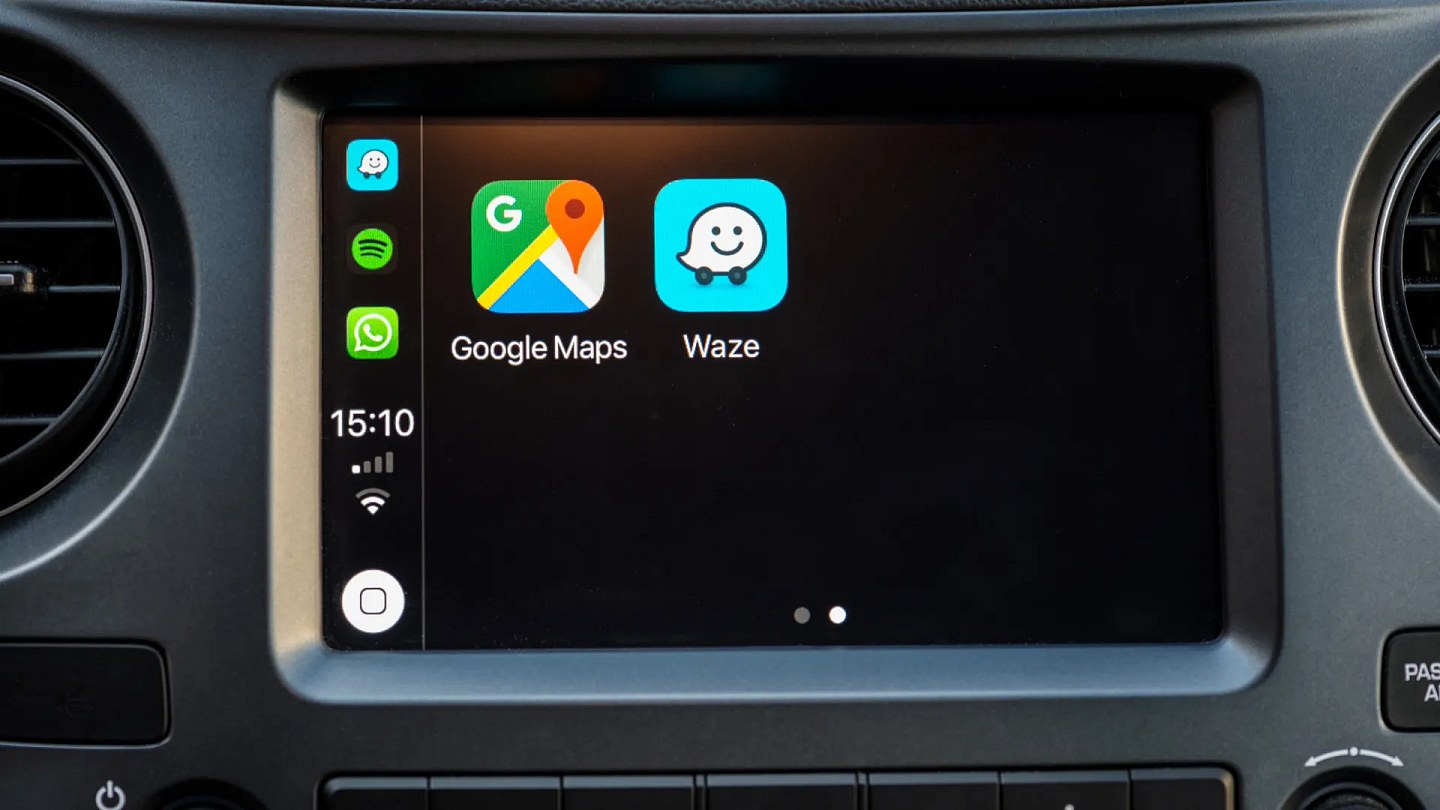
Despite the features offered, the application does not yet have a function that is already available on Google Maps: the option to prioritize routes with less fuel or energy consumption.
The absence draws attention because both applications belong to Google and because this is one of the most requested tools by Waze users.
Currently, the application defaults to the fastest route. However, for drivers of electric, hybrid or conventional fuel vehicles, saving energy may be more important than shaving a few minutes off their journey.
In a post on the Google support page, users ask for the inclusion of an option that prioritizes more efficient routes.
"For many drivers today, especially those using electric or plug-in hybrid vehicles, minimizing energy consumption may be more important than saving a few minutes. Fuel prices, battery range and environmental concerns also make distance and efficiency increasingly relevant," says the publication.
While the feature does not reach Waze, the application only offers some information related to the economy, such as fuel prices displayed when searching for gas stations or charging points.
On Google Maps, on the other hand, the driver can activate the preference for more economical routes and inform the type of fuel used by the vehicle. With this data, the application seeks to suggest routes that best suit the car's profile.
How to activate the lowest consumption route on Google MapsOpen the Google Maps app and tap your profile photo in the top right corner. Then, go to “Settings” and select “Navigation”.
Then, activate the option “Give preference to routes with low fuel consumption”. The name of the function may vary depending on the cell phone model and application version.
How to enter the vehicle's fuel typeOpen Google Maps again, tap your profile photo and access “Settings”. Then select “Your vehicles”.
In this area, you can choose between gasoline, diesel, hybrid or electric. The information helps Google Maps calculate potentially more efficient routes for each type of vehicle.
The user can also customize the icon displayed during navigation, choosing the type of vehicle, avatar model and color.
Waze launches Moto mode in Brazil to avoid accidents and potholes
Moto mode begins to be released this Monday (13) in Brazil; In this modality, the routes are personalized for motorcycles
Source: Noticias ao Minuto - Ultima Hora
This story was originally published by Noticias ao Minuto - Ultima Hora. Visit the original publication for further details.
Open original publication