Although the official launch of iOS 27 is only scheduled for September, along with the next generation of iPhones, users can now test some of the new features prepared by Apple.
iOS 27 gets public beta; see which iPhones are compatible
Although the official launch of iOS 27 is only scheduled for September, along with the next generation of iPhones, users can now test some of the new features prepared by Apple. After making several test versions...
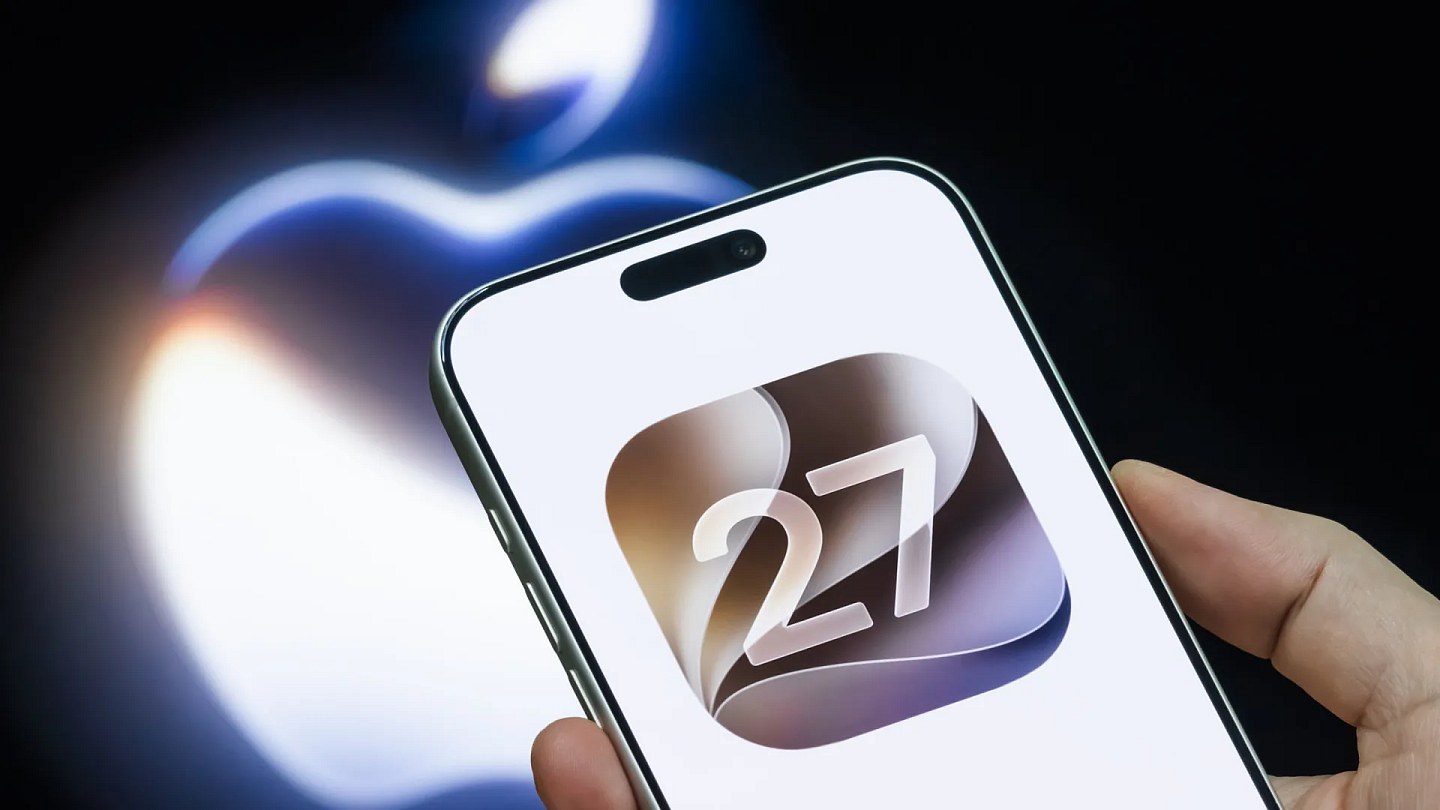

After making several test versions available to developers, the company released the first public beta version of the operating system. This means that anyone with a compatible iPhone can install the update and try out some of the new features in advance.
Among the main highlights is the new generation of Siri, now equipped with artificial intelligence. After a series of delays, the assistant starts offering more natural conversations and is able to interpret the content displayed on the cell phone screen.
Siri will also be able to perform tasks in other applications installed on the device, expanding the integration between iPhone services. The new feature, however, requires at least an iPhone 15 Pro to work.
Apple must still include other improvements until the definitive version of iOS 27 arrives. For now, the public beta works as a preview of what will be available to users in the coming months.
In addition to the new Siri, the update brings photo editing tools with artificial intelligence, reorganization of Safari tabs by subject, more customization options for the Liquid Glass look and performance and fluidity improvements.
As this is a test version, the system may present failures, instabilities and greater battery consumption. The recommendation is to make a backup of the device before installation.
How to install the iOS 27 public beta
Access the official Apple Beta Software Program website;
Sign in with the same Apple Account used on the iPhone;
Accept the terms and register the account in the program;
Open the Settings app on your iPhone;
Tap General;
Enter Software Update;
Select Beta Updates;
Choose iOS 27 Public Beta;
Return to the previous screen and start the installation.
Check out the iPhones compatible with iOS 27
iPhone 17 Pro Max
iPhone 17 Pro
iPhone 17
iPhone 17e
iPhone Air
iPhone 16 Pro Max
iPhone 16 Pro
iPhone 16 Plus
iPhone 16
iPhone 16e
iPhone 15 Pro Max
iPhone 15 Pro
iPhone 15 Plus
iPhone 15
iPhone 14 Pro Max
iPhone 14 Pro
iPhone 14 Plus
iPhone 14
iPhone 13 Pro Max
iPhone 13 Pro
iPhone 13
iPhone 13 mini
iPhone 12 Pro Max
iPhone 12 Pro
iPhone 12
iPhone 12 mini
iPhone 11 Pro Max
iPhone 11 Pro
iPhone 11
Second generation iPhone SE or later
The 3 most common Kindle problems that irritate users the most
Even though it is consistently among the most popular options when it comes to e-readers, the Kindle is often the target of complaints from users due to problems that often have no apparent explanation.
Source:
Noticias ao Minuto - Tech
