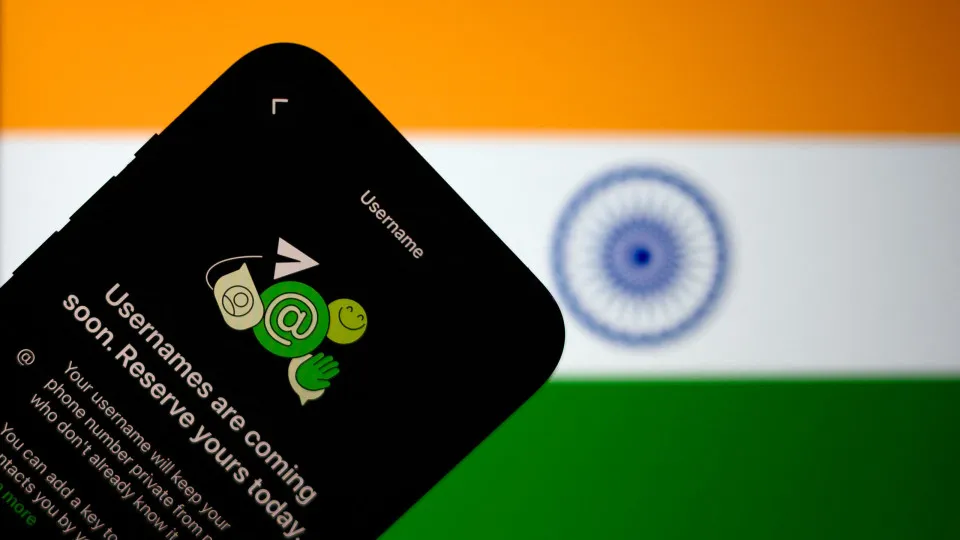
WhatsApp gains usernames and will eliminate the need for numbers to start conversations Usernames on WhatsApp will eliminate the need to have a cell phone number to start conversations or add someone to groups. It will still take some time for the option to be fully implemented, but, since Monday (29), WhatsApp has already offered username reservation for its more than 3 billion users. ?? Do you have any reporting suggestions? Send to g1 Reservation is the first step so that, in the future, WhatsApp will release the option to contact other people using nicknames. The feature raised doubts for many people, who asked whether it is worth using the same nickname on other social networks and whether it is safe against messages from strangers. Reserving usernames on WhatsApp Disclosure/WhatsApp g1 has gathered answers to some of the main questions below to help users prepare for when the feature is fully available. Check below: What are usernames on WhatsApp? How to create a username on WhatsApp? How to delete your username? Is it worth using Instagram username on WhatsApp? How to avoid messages from strangers? Will it be possible to identify whether the contact is real? What are usernames on WhatsApp? WhatsApp's username feature allows you to create a unique identifier for your account (like @Name123) and prevent strangers from knowing your phone number. With a username on your account, people who don't have your number in their contact list won't have access to it when they receive your messages or calls. Username reservation is now available, but the option to search for people by identifier should be released in the future. WhatsApp stated that this step will take place later this year. Usernames have existed for longer on Telegram, which also offers the option for users to create a link to their accounts if they want to be found more easily.
WhatsApp Brett Jordan/Unsplash How to create a username on WhatsApp? At this time, you cannot see other people's usernames or contact others using that identifier. But WhatsApp said it has released advance reservations so everyone has a chance to secure the username they want. To reserve your username, follow this path: open the "Settings" section; click on "Account"; select the "Username" option; enter the desired nickname; click "Save".
How to delete your username? WhatsApp warns that when you delete a username, it will become available and can be chosen by other people. Additionally, your phone number will appear again in conversations and calls when the feature is available. To delete your username, follow these steps: open the "Settings" section; click on "Account"; select the "Username" option; click "Edit"; click on "Delete username" – or "Change username" to choose another one; confirm the choice in "Delete".
WhatsApp Reuters/Thomas White Is it worth using your Instagram username on WhatsApp? It depends. The answer varies depending on how much you want your account to be found by more people on WhatsApp. If your activity is restricted to friends and acquaintances, it is best to create a username that is more specific and different from the one you use on social networks such as Instagram, X and TikTok. On the other hand, content creators and small businesses may find it important to have usernames that are easy for their followers and customers. If you want to keep your username from other social networks, but want to limit access to people you know, the solution is to enable security keys. (learn more below)
How to avoid messages from strangers? By default, anyone can contact you on WhatsApp if they have your username. To avoid unwanted messages and calls, the application created keys that work like four-digit passwords to start the conversation. The key is generated by WhatsApp and can be updated at any time, making it difficult for unwanted people to access your account. Your contacts, people who know your number, and people you already talk to won't need this password. To create a key and avoid messages from strangers on WhatsApp, follow these steps: open the "Settings" section; click on "Account"; select the "Username" option; click on "Contact me by username"; select "People who know my key"; confirm with "Save key". When the application identifies users under the age of 18, the key will be activated as a default measure to protect the privacy of children and teenagers.
Will it be possible to identify whether the contact is real? At first, you won't be able to guarantee that the name of someone who sent you a message actually looks like the username displayed on their account. WhatsApp did not announce measures such as verification badges, which exist on other platforms and tend to give more credibility to the profile. In India, the platform even received a request to postpone the launch of the feature in the country. The Indian government fears that the functionality contributes to online fraud. In response, WhatsApp said that "high-profile names", such as those of famous people and companies, will be able to be claimed by the rightful owners to prevent impersonation.