Fast charging has become a common feature on smartphones and helps recover a greater amount of battery in less time. Practicality, however, may be accompanied by greater heat generation during the process, especially when the device is being used while remaining connected to the socket.
Cell phone gets too hot when charging? See adjustment that can solve
Fast charging has become a common feature on smartphones and helps recover a greater amount of battery in less time. Practicality, however, may be accompanied by greater heat generation during the process, especially when the device is...
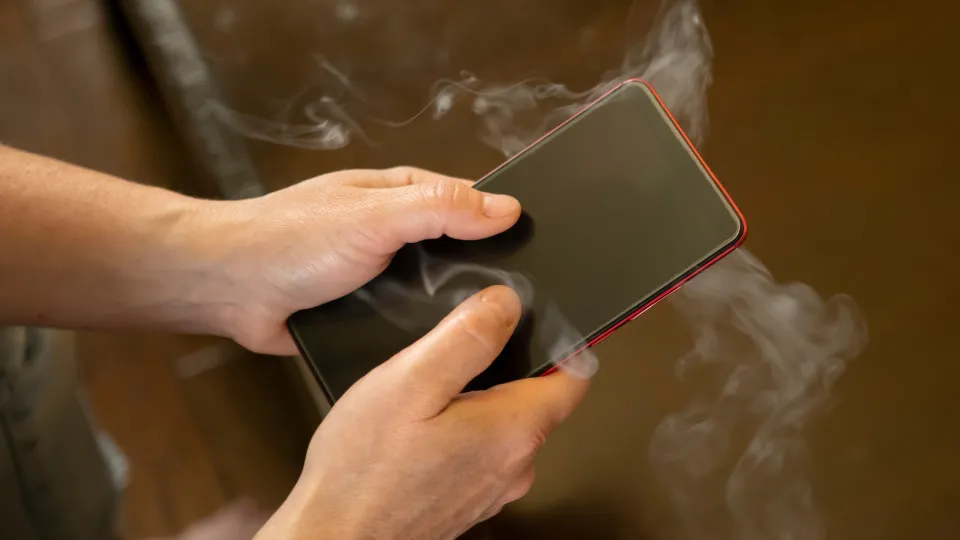
Heating deserves attention because high temperatures for prolonged periods can accelerate the wear of lithium-ion batteries. Samsung itself informs that continuous use or charging in extreme temperatures can contribute to battery deterioration.
- On compatible Galaxy phones, there is a simple way to test whether fast charging is contributing to the device getting hotter: temporarily disabling the feature.
- How to turn off fast charging on Samsung phones The path may vary slightly depending on the model and version of the interface installed on the device.
Editorial reading aid based only on information contained in this story and its identified source.
Heating deserves attention because high temperatures for prolonged periods can accelerate the wear of lithium-ion batteries. Samsung itself informs that continuous use or charging in extreme temperatures can contribute to battery deterioration.
On compatible Galaxy phones, there is a simple way to test whether fast charging is contributing to the device getting hotter: temporarily disabling the feature.
How to turn off fast charging on Samsung phones
The path may vary slightly depending on the model and version of the interface installed on the device. On the latest Galaxy, Samsung advises you to access:
Settings > Battery > Charging Settings
Within this area, you can activate or deactivate options such as Fast charging and Fast wireless charging, depending on the features available on your cell phone.
In earlier versions of the system, the path may appear as:
Settings > Device and battery support > Battery > More battery settings.
When you turn off fast charging, your phone will continue charging normally, but it will take longer to reach 100%.
Does turning off fast charging make the battery last longer?
There is no rule that using fast charging will necessarily damage the battery. Modern smartphones have temperature and power control mechanisms during recharging.
The most important point for battery life is to avoid excessive heat. Samsung considers it ideal for Galaxy devices to be used at temperatures between 0 °C and 35 °C and states that charging can be automatically limited when the temperature leaves the range considered safe.
Therefore, turning off fast charging can be an alternative for users who notice that the device heats up a lot during charging and do not need to recover the battery so quickly.
What to do if your cell phone gets too hot?
It is normal for your smartphone to become a little warmer during certain activities, including while charging. If the temperature increases excessively, however, Samsung recommends disconnecting the charger and waiting for the device to cool down before continuing.
The manufacturer also advises using compatible or approved chargers and cables, keeping the software up to date and avoiding activities that require a lot of processing while the phone is hot.
If your cell phone experiences intense or recurring heating even under normal usage and charging conditions, you may need to check the battery and device through Samsung Members or seek technical assistance.
Apple will leave these devices without updating in 2026; see list
With the arrival of iPadOS 27, watchOS 27, macOS 27 and tvOS 27, some older Apple devices will be left out of the major updates. Devices will continue to work, but will no longer receive new system resources