The camera has become one of the most important features of smartphones, and the iPhone offers a series of settings that can significantly change the outcome of photos. Even two devices of the same model can produce different images depending on the settings chosen by the user.
5 iPhone tweaks that can make your photos much better
The camera has become one of the most important features of smartphones, and the iPhone offers a series of settings that can significantly change the outcome of photos. Even two devices of the same model can produce different images...
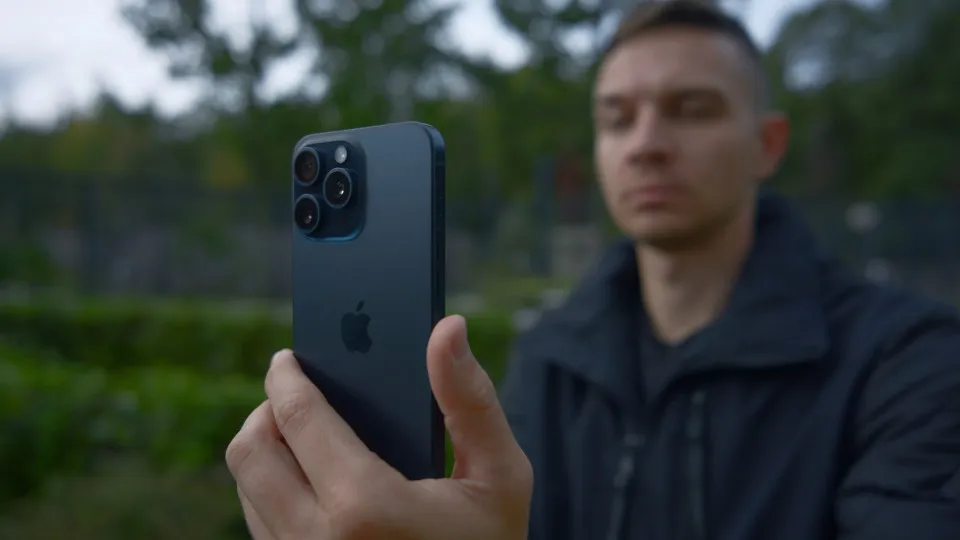
Some features also go unnoticed, although they can make everyday use much easier. A selection made by the website BGR brought together five iPhone settings that can help you make better use of the camera and have more control over the images.
- Use Photographic Styles Photo Styles let you customize the look of your images without working exactly like traditional filters.
- The feature adjusts characteristics such as tone and contrast during capture and can be useful for those looking for a result closer to their preferences without having to edit the photo...
Editorial reading aid based only on information contained in this story and its identified source.
The problem is that there isn't always time or inclination to test each option available in the Camera app. Some features also go unnoticed, although they can make everyday use much easier.
A selection made by the website BGR brought together five iPhone settings that can help you make better use of the camera and have more control over the images.
Use Photographic Styles
Photo Styles let you customize the look of your images without working exactly like traditional filters.
The feature adjusts characteristics such as tone and contrast during capture and can be useful for those looking for a result closer to their preferences without having to edit the photo later.
Depending on the iPhone model and iOS version, different style options are available in the camera settings.
Adjust the Macro Control
On supported models, iPhone can automatically switch to the ultra-wide camera when the user gets too close to an object to take a photo or record a video.
Macro Control allows you to decide when this change should happen. The tool can be especially useful for photographing details, food, flowers and other objects at close range.
Those who prefer to manually control lens changes can activate the option in the device settings.
Lock focus and exposure
Another useful feature is AE/AF lock, acronyms related to automatic exposure and automatic focus.
By touching and holding an area of the image on the screen, the iPhone can lock the focus and exposure to that point. This prevents the camera from automatically making new adjustments when the framing changes.
The function helps mainly in situations with irregular lighting or when there are objects moving in the scene.
Choose the format of the photos
The iPhone also allows you to change the format used to save images. Available options vary depending on the model and may include formats that prioritize quality, compatibility or space savings.
This setting can make a difference for those who transfer photographs to other devices, use specific editing programs or prefer to work with more compatible files, such as JPEG.
Prioritize rapid fire
Spontaneous moments can last just a few seconds. For situations like this, the iPhone offers a setting that prioritizes capture speed when several photos are taken quickly.
When activating the feature, the device adjusts processing to allow faster sequential shooting. The tool can be useful for photographing children, animals, sports, or any situation where movement makes it difficult to repeat the scene.
Exploring these settings does not require advanced photography knowledge and can help adapt the iPhone camera to the type of images that each user usually captures.
WhatsApp tests AI alert to identify possible scams
New tool analyzes messages directly on the cell phone and warns you when it identifies signs of a possible fraud attempt. The feature allows you to block or report the contact, works optionally and is still only available to a limited group of users