USB ports are essential in everyday life. They allow you to charge the battery of cell phones, notebooks and other devices, as well as transfer files between devices. Over time, however, these entries can accumulate dust, lint and other dirt, compromising their functioning.
How to clean the USB port on your cell phone or notebook without causing damage
USB ports are essential in everyday life. They allow you to charge the battery of cell phones, notebooks and other devices, as well as transfer files between devices. Over time, however, these entries can accumulate dust, lint and other...
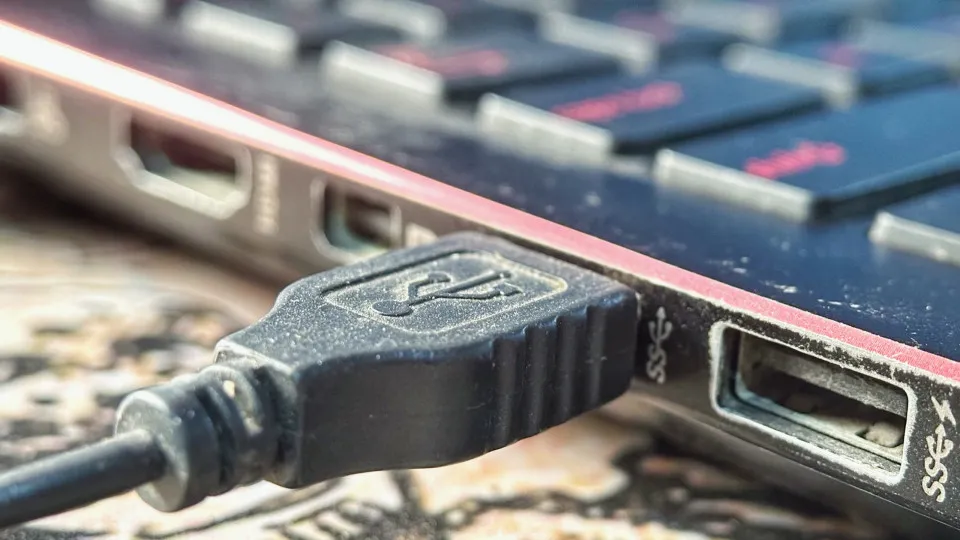
Before imagining that the problem requires technical assistance, it is worth checking whether the USB port is simply obstructed. A simple cleaning can resolve the situation, as long as it is done carefully to avoid damage to internal components.
- The specialized website Engadget has put together some recommendations for cleaning your USB port safely.
- See four important tips Turn off the device before starting Before any procedure, completely turn off the device.
Editorial reading aid based only on information contained in this story and its identified source.
Before imagining that the problem requires technical assistance, it is worth checking whether the USB port is simply obstructed. A simple cleaning can resolve the situation, as long as it is done carefully to avoid damage to internal components.
The specialized website Engadget has put together some recommendations for cleaning your USB port safely.
See four important tips
Turn off the device before starting
Before any procedure, completely turn off the device. This reduces the risk of short circuits and protects electronic components during cleaning.
Use a wooden toothpick gently
If there is visible lint or residue, use a wooden toothpick to remove it with light movements. Avoid applying force, as the metal contacts on the USB port are sensitive.
Bet on short jets of compressed air
Compressed air can help remove dust accumulated in hard-to-reach places. Make quick applications and keep the packaging in the position recommended by the manufacturer to avoid the release of liquid.
Avoid inappropriate products
Do not use WD-40, cotton swabs or metal objects to clean the USB port. In addition to leaving residue, these materials can damage the internal connectors or cause poor contact.
If, even after cleaning, the USB port still does not work properly, it is best to seek specialized technical assistance to identify the cause of the problem and avoid further damage to the device.
How to Turn Off Google AI Summaries and Switch Back to Traditional Links
Chrome tool allows you to hide the AI-Created Overview and prioritize conventional search results. See the step-by-step guide to make the change in just a few minutes